So you want to run your own custom model? There’s a lot of interest in companies owning their own intelligence, since a custom post-trained model can match or beat a frontier model on a specific task at a fraction of the cost and latency. Not to mention other benefits, including control over the model, privacy, continuous improvement, and more.
While custom models are usually smaller than frontier models, serving them efficiently is a major problem that threatens to undercut potential cost savings. With low or bursty traffic, a custom model hosted on a dedicated GPU pays for GPU idle time and low utilization. The bottleneck to owning your own intelligence is now infrastructure, not the model itself: how do you serve a custom model efficiently at low traffic?
Serving frontier models efficiently
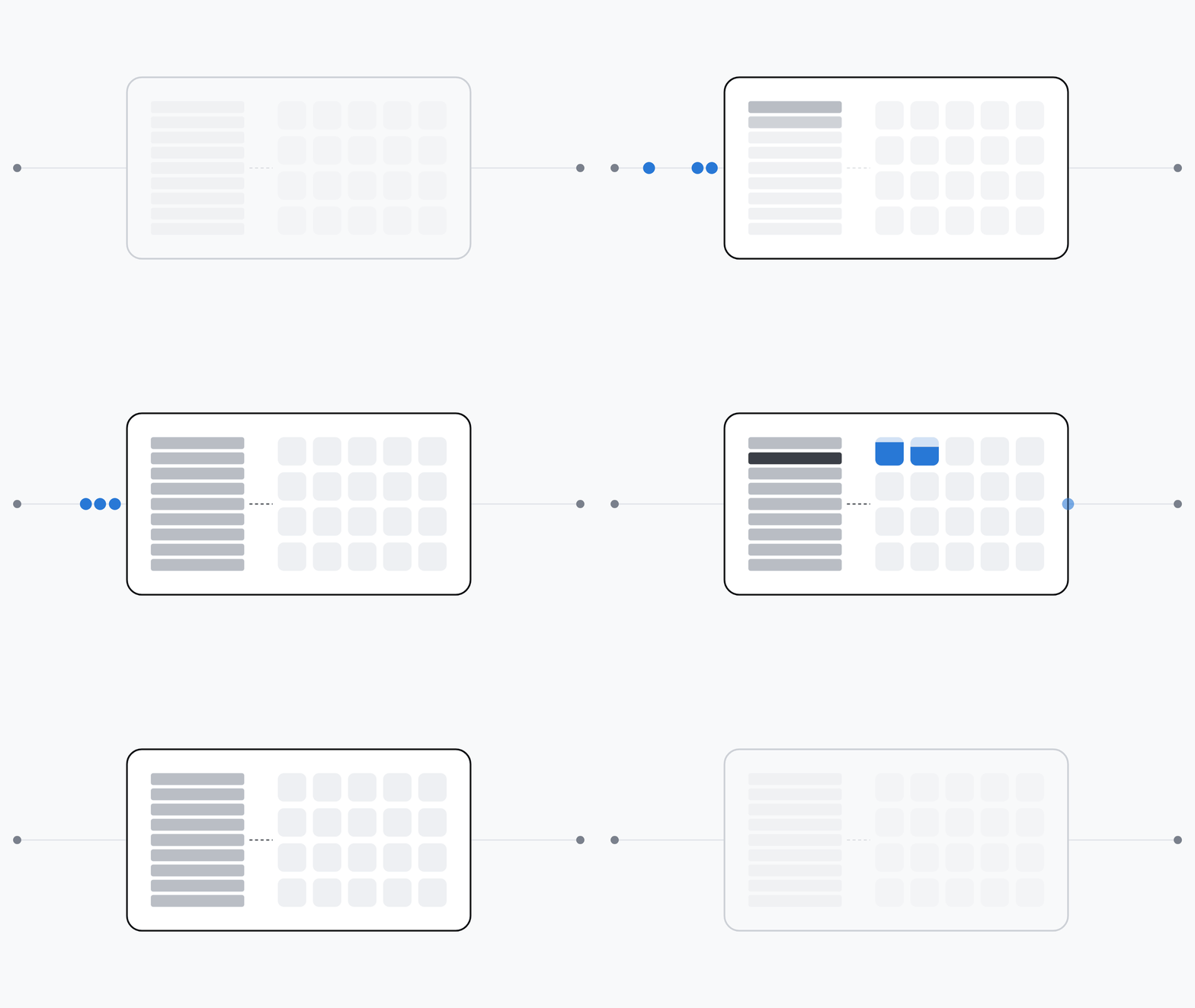
Before we dive into serving custom models, let’s review how inference works in the first place and what its bottlenecks are. In order for an LLM to generate a token based on an input, it has to do a series of matrix multiplications, where input vectors are multiplied by the weights of a model. The animation below is a bit of a simplification, but it gives a general idea of what inference looks like.
Inference requires 1) reading the weights of the model into the GPU’s compute units and 2) computing the matrix multiplication. The first is limited by the memory bandwidth of the GPU, the second by the GPU’s compute throughput. For a single request, reading the weights takes longer than performing the computation. The bottleneck for single-request inference is memory bandwidth.
In order to ease this bottleneck, we can batch requests. Model weights can be read once, and a token can be generated for every request in the batch at once.
Frontier model providers serve millions of requests from thousands of customers on a shared fleet of GPUs. As we mentioned before, generating text is limited mostly by memory bandwidth: a model writes its answer one token at a time, and each token takes one forward pass that reads all of its weights from GPU memory. Therefore, in order to increase GPU utilization, providers batch multiple requests together. A single forward pass, then, can generate tokens for multiple requests at once. With traffic from so many customers, the batches stay full and the GPUs have high utilization.
Serving custom models
A custom model’s weights are tuned for one customer, so custom models are usually served on a dedicated GPU that can’t share anyone else’s traffic. Batching only pays off when there is enough traffic that many requests can be combined into a single forward pass. Custom models rarely get that much traffic, especially for a customer that is operating at a smaller scale.
In practice, a custom model might see a few requests an hour, or occasional bursts of traffic. The GPU spends most of its time idle, but the customer is still billed for all that time.
The usual assumption is that custom models only pay off at high volume. For one of our 9B-parameter models, we needed about 50,000 requests per month before it beat GPT-5.2 on cost. On a fully utilized GPU though, our 9B parameter model could be over 50x less costly.
Idle time and scaling to zero
If custom model deployments have high GPU idle time, which leads to large serving costs, we can try to release the GPU when it is not serving requests. That is, we can scale to zero: run the GPU only while there is work, and release the GPU after it’s been dormant for some time.
The issue with releasing and reallocating GPUs on-demand is that finding a GPU and getting it ready to serve a model is not instantaneous. Starting our model from scratch took 3 to 7 minutes. There is a cold start problem.
With minutes of latency on a cold start, deciding to scale-to-zero has serious tradeoffs. Either the customer has to wait minutes for their first answer, or you have to keep the GPU warm for as long as possible to minimize cold starts. The former is not a great experience for users, and the latter incurs serious GPU time costs.
Bringing down the cold start time is imperative to serving a custom model efficiently, especially with low or bursty traffic. A fast cold start means both the customer is waiting less time for their request to be answered, and a lower overall cost for serving the model. With a fast cold start, you can be more aggressive when scaling to zero, since you know you can respond quickly when a request comes in. This keeps response latency low and brings down costs by reducing billed GPU idle time.
In this post we show how GPU memory snapshots can cut the cold start time from many minutes to about 15 seconds.
Breaking down a cold start
We timed three ways to get a model ready for serving: starting our own stopped GPU box on AWS, a fresh container on Modal, and a Modal container restored from a GPU memory snapshot. In each of these scenarios, we looked at where time was spent in getting the model ready to serve.
During a cold start, we need to allocate a GPU, initialize the inference engine, load the model weights into the GPU’s memory, and initialize the KV cache, all before a request can be served.
From our measurements, allocating a GPU took up to a minute or more on AWS because of limited capacity, whereas through Modal it took about 5 seconds. Starting the inference engine ate up around a minute, and so did initializing the KV cache and capturing CUDA graphs for both a fresh Modal container and for AWS. Loading the weights took over two minutes through AWS (limited by the bandwidth of the EBS disk from where we fetched the weights) and on a fresh Modal container it took about 35s.
Restoring from a GPU snapshot significantly reduced the cold start time. Allocating a GPU took the same amount of time. But starting the inference engine, initializing the KV cache and capturing CUDA graphs were reduced to mere seconds. We were also able to load weights faster because the restored engine already has the model built in GPU memory, so vLLM only copies the weights into place instead of building the model around them.
We also optimized three vLLM settings to cut a fresh Modal start by almost a minute: prefetching the weight files, capturing CUDA graphs only up to our batch size, and loading an FP8 checkpoint written ahead of time (12 GB instead of 18).
How GPU memory snapshots work
During a cold start, there is a bunch of deterministic setup that takes time to compute: Python imports thousands of modules, CUDA creates a context and loads its libraries, and vLLM allocates the KV cache, compiles kernels, and captures CUDA graphs. Each step is slow to compute, but the result is just bytes sitting in CPU and GPU memory.
A GPU memory snapshot saves those bytes to storage once. Restoring from the snapshot copies them directly into memory instead of recomputing them. This significantly reduces cold start times.
Our snapshot deliberately leaves out the weights and the KV cache. We do this for two reasons: 1) keeping weights in the snapshot doesn’t make restores faster since reading gigabytes of memory from a snapshot is about the same as reading gigabytes of weights from storage, and 2) a big snapshot is slow to save, which risks a container being stopped mid-save.
Before the snapshot we put vLLM to sleep, which frees the weights and KV cache, but keeps its addresses reserved, so the captured CUDA graphs stay valid. After a restore we read the weights back in (about 6 s) and allocate the KV cache again (a second or two). The expensive part, working out how big the KV cache can be and capturing the graphs around it, is never redone.
@app.cls(gpu=["L4", "A10G", "L40S"], scaledown_window=10,
         enable_memory_snapshot=True,
         experimental_options={"enable_gpu_snapshot": True})
class Reader:
    @modal.enter(snap=True)
    def start(self):
        start_vllm("--enable-sleep-mode", ...)
        warm_up()                              # one image request
        post("/sleep", params={"level": 2})    # drop weights and KV cache

    @modal.enter(snap=False)
    def wake(self):                            # after every restore
        post("/wake_up", params={"tags": "weights"})
        rpc("reload_weights")                  # FP8 weights from the volume, ~6 s
        rpc("reload_draft_weights")            # speculative-decoding head, ~1.3 s
        post("/wake_up", params={"tags": "kv_cache"})
Serving with fast cold starts
Fast cold starts improve both the cost and the experience of serving a custom model, especially with low or bursty traffic:
- Lower latency on cold responses. A request that wakes the GPU can be served within seconds instead of minutes.
- Less billed cold start time. Since a cold start is billed GPU time, a shorter one costs less on every start up.
- Scale-to-zero aggressively. When waking up is quick and cheap, you can release the GPU after a few seconds of idle time, which cuts the idle time you pay for.
In our experiments serving a 9B model on an L4, each wake costs about $0.01 to $0.02 from a snapshot versus $0.05 to $0.07 from a fresh start. For a model that gets 300 small bursts a month, that is about $7 a month versus about $20. The first answer in each burst arrives in about 30 seconds instead of about 3 minutes.
Below is a cost and latency comparison for serving a fine-tuned Qwen3.5-9B on an L4, kept always on or scaled to zero, at three levels of simulated, bursty traffic. We compare to GPT-5.2 as a baseline.
| Traffic per month | Always-on GPU | Scale to zero, fresh starts | Scale to zero, snapshots | GPT-5.2 API |
|---|---|---|---|---|
| 300 bursts (1,500 requests) | ~$700 | ~$20 | ~$7 | ~$23 |
| 3,000 bursts (15,000 requests) | ~$700 | ~$200 | ~$70 | ~$230 |
| 10,000 bursts (50,000 requests) | ~$700 | ~$670 | ~$240 | ~$765 |
| First answer after a quiet spell | ~12 s | ~3 min | ~30 s | ~9 s |
Monthly cost for a 9B model on a Modal L4 (about $0.95 an hour with CPU and memory), billed from container start until it scales down. Each burst is 5 requests of about 12 s each. Snapshot start 20 s, fresh start 3 minutes, and a 10 s idle window for both. GPT-5.2 at $0.0153 and 8.7 s per request, measured on the same task.
Next Steps
Fast cold starts, achieved through GPU snapshots, make custom model serving much more economically feasible. However, it is still often more expensive than the same model on a fully utilized GPU. Scaling to zero removes idle time, but each model still occupies a dedicated GPU while it’s awake. Techniques like multi-LoRA serving and fast model swapping can increase GPU utilization for custom models.
Owning your own intelligence requires innovation at the level of infrastructure. Fast cold starts are one piece that brings us closer to a world where everyone can run their own custom models.